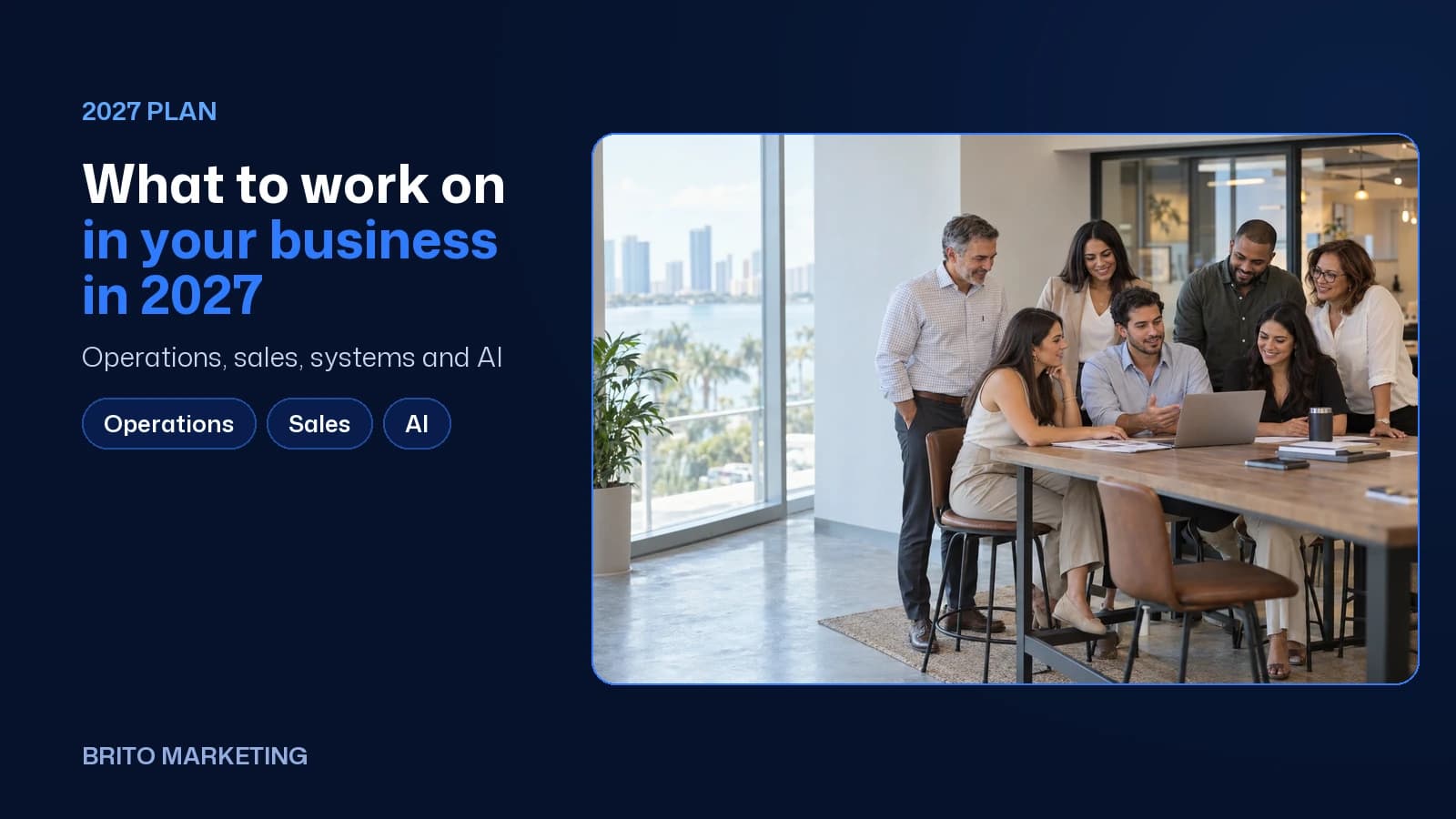
What to Work On in Your Business in 2027: Operations, Sales and AI
The side of 2027 customers never see: written processes, fast replies to every lead, one CRM, AI in the office with a person signing off, and five numbers you check every Monday.
Short answer
In 2027, the work that pays off is inside the business: write down how each job gets done, reply to every new lead within minutes, keep every customer in one CRM, let AI handle repetitive office work with a person checking it, and review five numbers every week. None of it is flashy, but it is what holds growth up.
Most of what you read about 2027 is about the outside of a business: Google, AI tools that recommend companies, short-form video. That stuff matters. But if you bring in more customers without fixing what happens inside, all you get is more missed calls, more no-shows and a more stressed-out owner. This guide covers the other half: the front desk, the phone, the follow-up and the numbers, written for service businesses in South Florida that run in English and Spanish.
Operations: stop running the business out of your head
Here's the question worth asking before 2027: if you were out for a week starting tomorrow, what would break? For a lot of service businesses, the honest answer is almost everything. Quotes, vendor payments, who calls back the customer who complained, how the register gets closed out. More hours won't fix that. Writing things down will.
You don't need an 80-page operations manual. A short checklist for each task, written by the person who does it today, with screenshots if they help, saved somewhere everyone can find it, gets you most of the way. A three-minute phone video of someone walking through how to send a quote beats a polished document nobody ever opens.
- List the 10 tasks that repeat every week and write down who handles each one today.
- Have someone write up or record the steps for the 3 that fall apart when a person is out.
- Make it clear who owns what: new calls, complaints, payments and reviews.
- Put a review date on every process: every 6 months, or whenever the tool changes.
In South Florida, where plenty of teams work in both languages, write each process in the language of the person who'll actually use it. It sounds minor. It's the difference between a checklist people follow and one that sits in a folder.

Sales: answer first, follow up every time
Service businesses rarely lose a customer over price. They lose them because nobody called back in time, or because after the quote went out, nobody followed up. The person who fills out your form at 9 p.m. has often filled out two others that same night, and in our experience they go with whoever gets back to them first with something useful.
For 2027, treat follow-up as a process instead of something that depends on someone's memory. Every new lead lands in one place, gets an instant reply (even an automated one that just says when you'll call), and has an owner and a date for the next step.
- Time how long it takes you to respond to a new lead today, during business hours, at night and on weekends.
- Set up an automatic reply in English and Spanish for web forms, chat and missed calls.
- Build a follow-up sequence for every quote: day 2, day 7 and week 3.
- Write down why each lost deal was lost. Give it three months and a pattern will jump out.
Salesforce's State of Sales report found that reps spend 60% of their time on work that isn't selling. In a small business, that rep is often the owner. Every task you automate, like booking, confirming appointments, sending quotes or payment reminders, is time that goes back into talking with customers.
Systems and CRM: one place for every customer
If finding out what happened with a customer means digging through one person's WhatsApp, someone else's inbox and a notepad at the front desk, you have a systems problem, not a people problem. A well-built CRM puts every call, text, appointment, quote and payment on one customer record, so anyone on the team can pick up where the last person left off.
The classic mistake is buying a massive platform and using a sliver of it. Start with the basics: every lead flows into the CRM on its own from your website, phone and social accounts; every lead sits in a clear stage (new, contacted, quoted, won or lost); and the team actually opens it every day. Add the rest once that part works.
- List every place customers reach you today: website, phone, WhatsApp, Instagram, Facebook, your Google Business Profile and referrals.
- Connect each one to the CRM so no lead depends on someone copying it over by hand.
- Set 5 or 6 sales stages. No more.
- Check who has access to what, and shut off access for anyone who no longer works with you.
If you're in healthcare, your CRM and any tool that stores patient information have to be HIPAA compliant, and the vendor needs to sign a Business Associate Agreement (BAA). Ask before you sign up, not after.

Ready to apply this to your business?
AI in the office: what to use it for, and what not to
According to the U.S. Chamber of Commerce, 58% of small businesses say they use generative AI. The Census Bureau, which asks whether a company uses AI in its operations, put the figure at 19.8% in early May 2026. The two surveys measure different things, but the gap lines up with what we see every week: plenty of owners have tried ChatGPT, and far fewer have built it into how the office actually runs.
Good uses
- Summarizing calls and meetings, and logging the to-dos in the CRM.
- Drafting emails, quotes and review replies for a person to check before they go out.
- Answering common questions by chat or phone after hours, and handing off to a person when it's out of its depth.
- Sorting contacts, invoices or documents that someone types in by hand today.
Bad uses
- Posting or sending anything to a customer that no one has read.
- Feeding customer or patient data into a tool with no contract and no clear privacy policy.
- Letting AI promise prices, timelines or results.
- Using it to cover for a process that doesn't exist. If follow-up isn't defined, AI just does it badly, faster.
A simple rule for 2027: AI writes the first draft, a person signs off. If a task can be checked in a minute, it's a good candidate. If a mistake on that task could cost you a customer or land you in legal trouble, a person on your team makes the call.
Metrics: five numbers every Monday
Almost every owner knows what they sold last month. Very few know how many leads came in, how many got a timely response and how many slipped away. Without those numbers, every marketing decision is a guess, and every slow month gets explained by a hunch.
- New leads this week, by channel.
- Average time to first response.
- Appointments booked or quotes sent.
- Deals closed and close rate.
- New reviews and average star rating.
You don't need a fancy dashboard. A spreadsheet you fill in every Monday in 15 minutes and go over with the team changes the conversation. Instead of “things are slow,” you hear “we got more leads than ever, but half of them waited a full day for a reply.” That's something you can fix.

| Quarter | Focus | What's done by the end |
|---|---|---|
| Q1 · January–March | Get organized | Written processes for the 10 key tasks, a map of every channel customers come through, and a baseline for response time. |
| Q2 · April–June | Connect | Every channel feeding one CRM, sales stages defined, and an automatic reply in English and Spanish. |
| Q3 · July–September | Automate | Follow-up sequences for quotes, appointment and payment reminders, and the first AI uses with a person reviewing. |
| Q4 · October–December | Measure and adjust | A weekly five-number sheet, a review of which channel brings the best customers, and a plan for 2028. |
Where to start
You don't have to wait for January. These three steps take a week and cost nothing:
- Call your own business and fill out your own contact form, once during the day and once at night. Note how long the reply takes and what it says.
- Pick one task that depends on a single person today and ask them to write it up or record it this week.
- Start your five-number sheet next Monday, even if the first numbers are rough.
Doing all of this at once, while you're serving customers and making payroll, is a lot for any owner. It's exactly the kind of work we've been doing at Brito Marketing in Miami since 2006: connecting marketing, video, CRM (BritoCRM) and AI to sales, in English and Spanish, so every lead that comes in has a clear path and a person who follows through. If you'd like to see where your business would start, you can build your plan in 2 minutes and look it over on your own time.
Frequently asked questions
Do I really need a CRM if my business is small?
If customers reach you through more than one channel, like phone, web, WhatsApp or social, yes. Without one, every channel depends on someone remembering to log the lead and follow up. A simple, well-connected CRM saves more time than it takes to learn.
Is AI going to replace my receptionist?
That's not what we'd recommend. AI can answer common questions after hours, confirm appointments and summarize calls, so your receptionist can spend more time with the customers who need a real person. That human touch is part of what brings customers back.
What numbers should I track if I'm short on time?
Five, once a week: new leads by channel, time to first response, appointments or quotes, closed deals and new reviews. Filling them in takes about 15 minutes on Monday, and they show you exactly where customers are slipping away.
Where do I start if everything is a mess?
Start where customers come in: the phone, web forms and messages. If every new lead gets a fast reply and lands in one place, you're already winning customers you lose today. Internal processes and AI come next.
Twenty years building brands in New York, Las Vegas and Miami, where he's based today. He leads a Miami team that shoots commercials on cinema cameras and runs proprietary AI infrastructure. He believes great marketing starts with truly understanding the customer — and that honesty, often frowned upon in this industry, is what separates partners from vendors.
View profile→Questions about your business?
The first conversation is an assessment, not a sales pitch. Let's talk.
Or explore our Growth & Strategy service

Brito Marketing: More Than an Agency, a Complete System for Your Business
Hiring Brito Marketing gets you strategy, advice, mentorship, tailored ads and every service in one place, with a team that knows your business inside out.

Fewer New Customers in Miami? How to Keep the Ones You Have With Service and Loyalty
Foot traffic is down and new customers are scarce. In a tough economy, what decides whether a customer stays isn't a $10 discount: it's how you treat them. Four fronts for 2026 and 2027, from our video podcast.