Why Isn't My Business Showing Up on Google? 7 Reasons (and How to Fix Each)
You search your own business on Google and it's not there. It's almost always one of these 7 reasons, and none is a mystery. Here's which one, and how to fix it.
Short answer
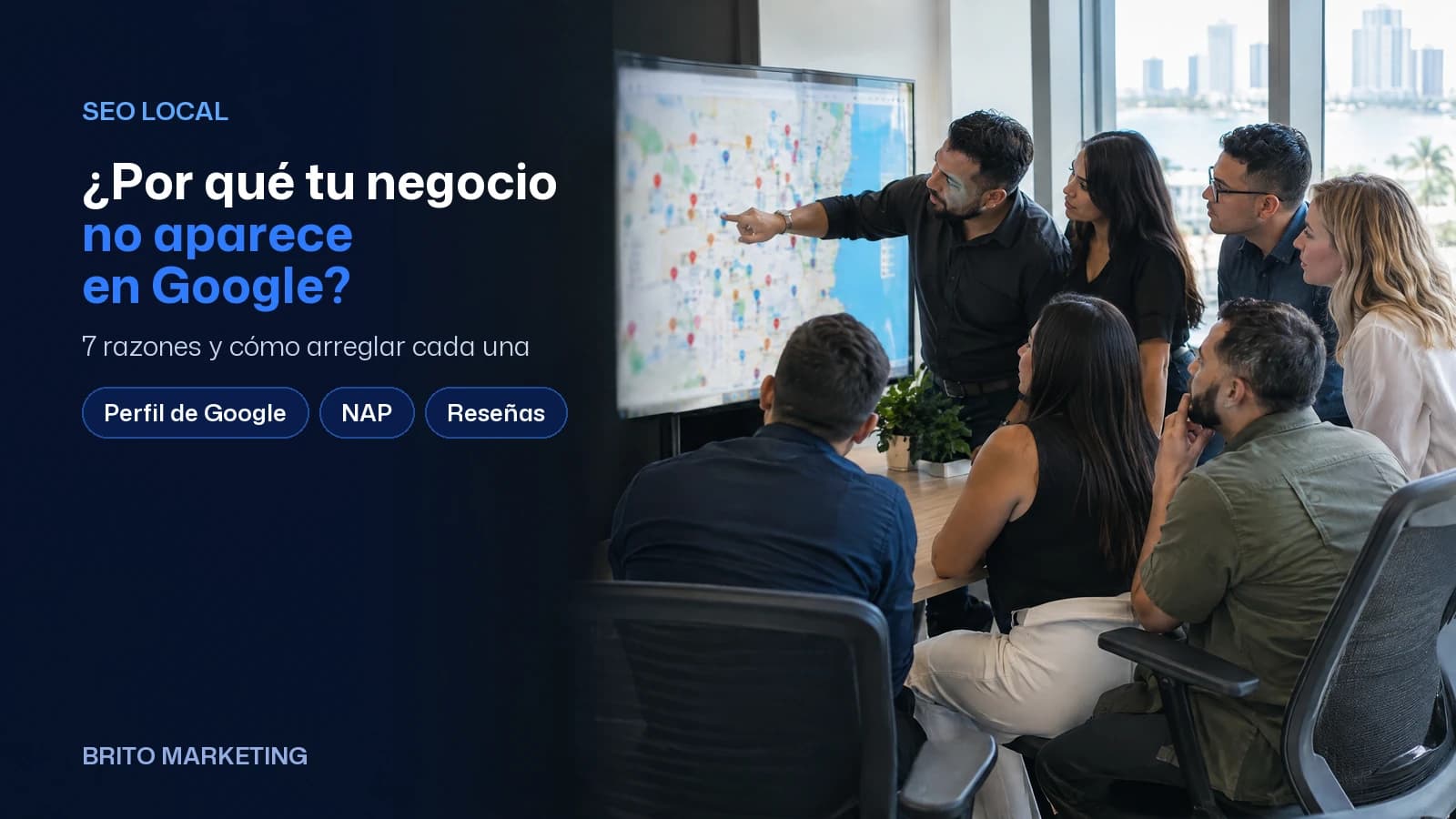
It's almost never that Google has it out for you — it's usually one of seven fixable reasons. The most common: a missing or unverified Google Business Profile; next come inconsistent name, address and phone, and a site that never names your city or service. If your business is new, it may be too early: authority takes months.
Picture a shop owner in Hialeah with a very common frustration: they ask their nephew to look up the business on Google from his phone and, after twelve years in business, it doesn't come up anywhere. It happens to restaurants in Doral, dental clinics in Kendall, contractors in Homestead. And it's almost never because Google has it out for you. It's usually one of these seven reasons, and each one has a concrete fix.
Before we dig in, an honest clarification: “not showing up on Google” can mean two different things. One is not appearing in the map with the three businesses at the top (the “local pack”). The other is not appearing in the regular list of blue links below it. They're related problems but not identical, and as you read you'll figure out which of the two you have.
1. You don't have (or never verified) your Google Business Profile
This is number one by a mile. The map that shows up at the top of Google isn't fed by your website: it's fed by your Google Business Profile (formerly “Google My Business”). If you never created it, or you created it but never finished the verification by mail or phone, then as far as the map is concerned, your business simply doesn't exist. You can have the best storefront in Westchester and still be invisible there.
How to fix it: go to google.com/business, claim or create your listing, and finish verification all the way through (they send a code, sometimes by postcard, sometimes by video). Then fill in EVERYTHING: right category, hours, phone, website, service area, real photos. A half-finished profile gives Google half the information it needs to show you. It's free and it's the first thing any local business should do.
2. Your NAP is inconsistent all over the web
NAP stands for Name, Address, Phone. Google trusts you more when those three match everywhere. The trouble is that after twelve years in business, your address shows up five different ways: “Ave” in one place, “Avenue” in another, an old phone number on Yelp, the name with “LLC” on one directory and without it on another. Every difference plants a little doubt in Google, and when it's in doubt, it tends to show you less.
How to fix it: settle once and for all on your official version of name, address and phone, down to the last abbreviation, and make it identical on your website, your Google listing, Yelp, Facebook, Apple Maps and every directory you're on. It's boring detective work, but it's one of the highest-impact things you can do for local SEO, and almost nobody does it right.
3. Your website never says where you are or what you do
Plenty of local business sites are written as if the whole town already knows where the shop is. The homepage says “Welcome, quality and service since 1998” and nowhere in any title or heading is the city or the actual service. Google doesn't guess. If you do plumbing in Miami Gardens, the word “plumbing” and the words “Miami Gardens” need to be in your titles, your headings and your text, written the way your customer types them when they search.
How to fix it: check the title of every page (the text in the browser tab). It should read something like “Plumbing in Miami Gardens | Your Business Name”, not just “Home”. Build one page per main service and one per area you work in, each answering what people actually type. This is the backbone of local SEO, and it weighs heavily on whether you show up in the regular list, not just the map.

4. Your site is slow or broken on a phone
Almost every local search happens from a phone, standing on a sidewalk, on cell data, in a hurry. If your site takes six seconds to load, or if on a phone the buttons spill off the edge and you have to zoom in to read, Google notices and tends to drop you. It's not punishing you out of spite: Google just doesn't want to send its user to a bad experience. A heavy site full of old plugins, or built on a template nobody ever optimized, can be costing you rankings even if you can't see it.
How to fix it: open your own site on your phone, on cell data, not wifi, and time it in your head. Does it feel fast? Can you read it without pinching the screen? If not, images need to be shrunk, the clutter removed, and sometimes the whole thing rebuilt on a modern base. Good web design today is fast from the start and built phone-first; it isn't a luxury, it's the minimum to compete.
5. You have zero reviews (or you never reply to them)
Given two similar businesses, Google tends to show the one with a healthy number of real, recent reviews first. It isn't just the star rating: reviews tell Google you're alive, active, and that people choose you. A business with three reviews from two years ago looks, to the algorithm and to the customer, like a shaky bet next to one with forty fresh ones.
How to fix it: ask for reviews systematically, not once a year. When you finish each job, text the direct link to your listing while the visit is still fresh, to every customer, not just the ones you think are happy. And reply to all of them, the good and the bad, calmly and in the customer's own language: that tells Google there's a real person behind the business, and shows the next customer how you handle problems. Don't buy fake reviews: Google catches them, and that's when it actually hurts you.
6. Your content doesn't answer what people are asking
More and more people don't just type two keywords: they ask full questions, often speaking to their phone or straight to an AI. “How much does it cost to fix a water leak in Miami?”, “does the dentist in Doral take patients without insurance?”. If nowhere on your site do you answer those questions clearly, neither Google nor AI search has anything of yours to pull, so they serve the competitor who did write it down.
How to fix it: list the ten questions customers ask you on the phone every week and answer them on your site, in plain text, with the city and service named. That same content is what gives you a shot at showing up both on Google and when someone asks ChatGPT or Gemini for a business like yours. Nobody can promise you a spot in those answers, but without the clear text you don't even have a shot. Write for the customer first; the search engine follows.

Ready to apply this to your business?
7. Your business is new and doesn't have authority yet
And here's the honest part few people tell you: sometimes you don't show up because you did everything right but it's simply too early. Google doesn't trust you overnight. A business that's six weeks old, or a freshly verified listing, doesn't yet have the history, reviews or links to beat someone who's been building their presence for ten years. Nothing is broken: authority is built over time, there's no magic shortcut, and nobody honest will promise you one.
How to fix it: patience, with method. Do the six points above right from day one, publish consistently, gather reviews week after week, and give it months. The upside is that most of your competitors don't do it well either, so whoever stays consistent usually pulls ahead even if they got there later. What doesn't work is giving up at three weeks and starting from zero again.
Beyond verification: how to make your Google Business Profile truly complete
Getting verified gets you in the door; it isn't the finish line. What separates a profile that merely exists from one that brings in calls comes down to details almost everyone leaves half-done. Here's what we check at Brito:
- Your name exactly as it reads on your sign. Stuffing in keywords or your city breaks Google's rules and can get the listing suspended.
- A primary category that's as specific as possible, plus only the secondary ones that genuinely apply.
- Special holiday hours, and a local phone number instead of a national toll-free line.
- A description that says what you do, who it's for and where. If you serve customers in English and Spanish, say so there.
- The service options and attributes Google offers for your category: accessibility, payment methods, women-owned or veteran-owned.
- Your website link with a tracking tag (UTM), so you can measure how much traffic the profile sends you.
- A real mix of photos: the storefront, so people recognize it when they pull up, the interior, your team and finished work.
Then keep it alive: a short post every week (updates, offers, events) shows anyone comparing you that the business is active. And heads up: Google increasingly uses AI to answer questions like “Is there parking?” or “Do you speak Spanish?” with whatever it finds in your profile, your reviews and your website. If you don't put those answers in writing, what the customer gets may be incomplete or flat-out wrong.
Reviews: how to ask for them and reply within Google's rules
Ask every real customer once the job is done, not just the ones you think loved it. Use the link or QR code your own profile gives you: the link goes in your message, and the code goes on the counter or the invoice. If they don't respond, send one reminder, and keep track of who already left a review so you never ask twice. At Brito we automate it with BritoCRM: after the visit, the system sends the request without anyone having to remember.
Keep the message short, use their name and write it in their language: “Hi [name], thanks for trusting us. Would you mind sharing on Google how it went? Here's the link: [link]”. Notice that it asks for their opinion, not a good rating.
What the rules don't allow
- Offering discounts, gifts or giveaways in exchange for a review, good or bad.
- Asking your employees, relatives or friends to leave one: Google treats that as a conflict of interest.
- Gating: sending only your happy customers to Google and everyone else to a private form.
- Pressuring or threatening someone not to post a negative review, or to take one down. In the U.S., the FTC also has a federal rule against fake reviews and that kind of pressure.
How to reply, especially to the bad ones
For the good ones, say thanks with something specific about the job, not a copy-pasted line. For the bad ones, keep it short and don't argue in public: acknowledge what happened, offer a direct contact to work it out privately, and then actually fix it. If you run a clinic or a law firm, don't confirm the person is your patient or client, and don't discuss their case: HIPAA and your state bar's rules still apply even if the customer told the whole story. If a review is fake or offensive, report it from your profile.
Where to start without losing your mind
Don't try to fix all seven things the same Monday. The order we recommend to almost everyone: first the Google listing, verified and complete, then the NAP identical everywhere, then your website titles and pages with city and service, and in parallel, start asking for real reviews. That alone takes most businesses from invisible to visible.
- Claim and verify your Google Business Profile, and fill it in 100%.
- Make your name, address and phone identical across the whole web.
- Put the city and the service in your site's titles and headings.
- Make sure it loads fast and looks right on a phone.
- Ask for reviews every week and reply to all of them.
- Answer your customers' real questions on your website.
- If the business is new, be consistent and give it time.
If you read this and still don't know which of the seven is tripping you up, don't guess: check it. We can run a diagnostic of your local presence, tell you with data why you're not showing up today and what to fix first, no strings attached and no hard sell. Sometimes it's a twenty-minute detail; sometimes it's more work. But it's always better to know exactly what's going on than to keep wondering why the nephew can't find you on Google.
Frequently asked questions
Do I have to pay for Google Ads to show up on Google?
No. Everything in this article —the verified profile, a consistent NAP, reviews— is organic and free to set up; it earns you visibility without paying Google per click. Google Ads can put you at the top today while the organic side gains traction, but it's an ongoing cost: the day you stop paying, your ad disappears. The healthy move is to build the free foundation first and use ads as an accelerator, not a crutch.
I can find my business on Google, but my customers say they can't. Why?
This one trips up a lot of owners. Google personalizes what you see based on your location, your history, even whether you've visited your own site —so it shows you your business even when a customer across town gets nothing. To test it honestly, search from someone else's phone in a different area, or open an incognito window while logged out. If you don't show up there, that's the result your customers are actually seeing.
Can I fix all of this myself, or do I need to hire someone?
A good chunk you can do yourself: verifying your Google profile, matching up your NAP, and asking for reviews cost no money —just time and consistency. Where a hand usually pays off is rebuilding a slow website, writing the per-service and per-area pages, and cleaning up a NAP that's scattered all over the place. Our honest take: start with the profile and reviews yourself this week, and if you get stuck or run out of time, bring in help for the technical part.
Can I delete a negative review from my Google Business Profile?
Not directly: the profile owner can't delete reviews. What you can do is report, right from your profile, the ones that break Google's policies (fake, from someone who was never a customer, offensive, or written by a competitor) and keep evidence in case you need to appeal. If the review is negative but genuine, it isn't coming down: reply calmly, offer to sort it out privately, and fix whatever went wrong. Your next customers are going to read that reply.
Twenty years building brands in New York, Las Vegas and Miami, where he's based today. He leads a Miami team that shoots commercials on cinema cameras and runs proprietary AI infrastructure. He believes great marketing starts with truly understanding the customer — and that honesty, often frowned upon in this industry, is what separates partners from vendors.
View profile→Questions about your business?
The first conversation is an assessment, not a sales pitch. Let's talk.
Or explore our Search + AI (SEO & AEO) service
Study: Who ChatGPT and Perplexity Recommend When You Look for a Marketing Agency in Miami (October 2026)
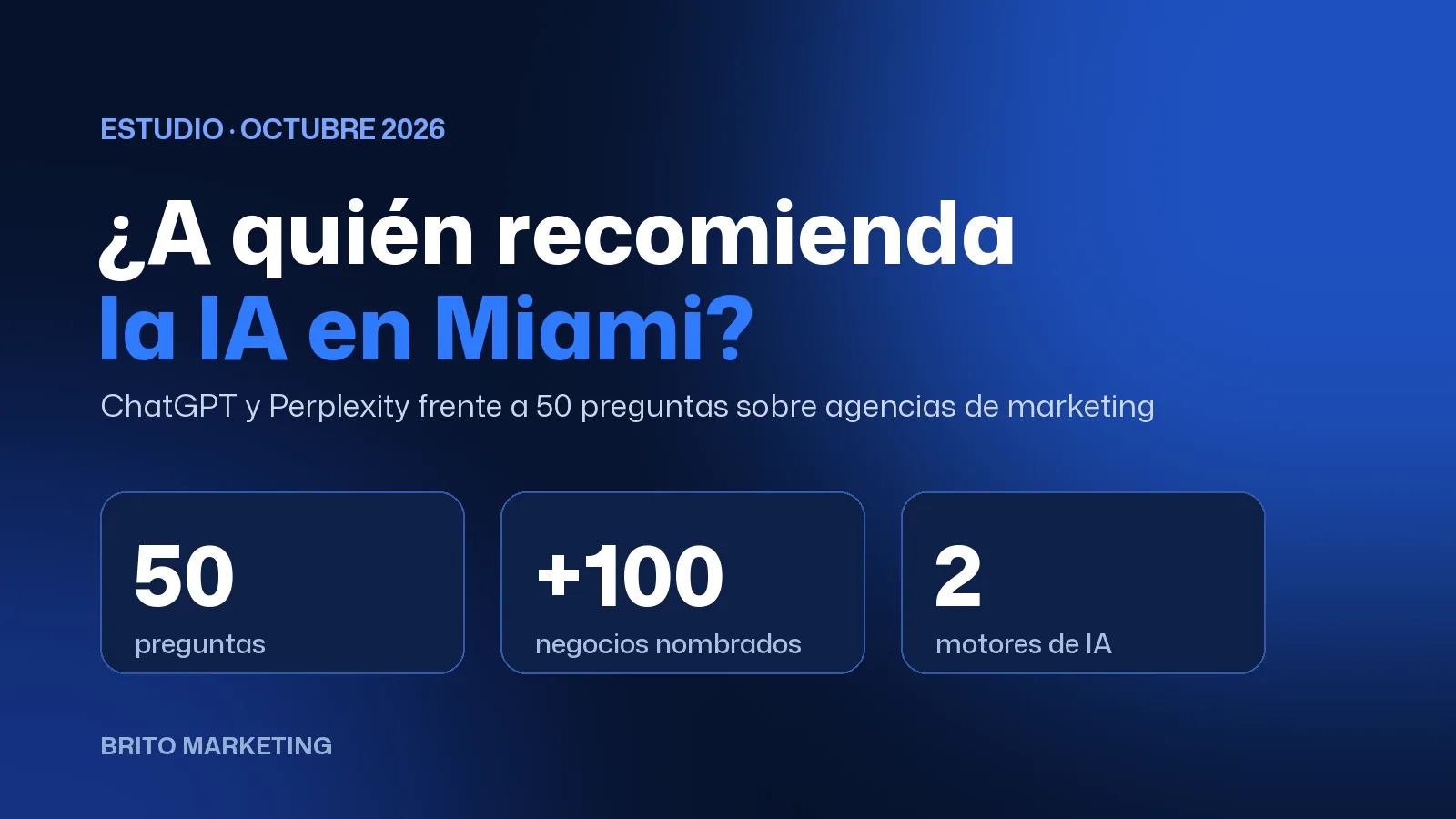
We asked ChatGPT and Perplexity the same 50 questions, in English and Spanish. The AI named more than 100 different businesses, none in more than 4 answers, and for city searches it almost always picked someone from that city. Data, method and limits.

AI Marketing Without Losing the Human Voice
AI speeds up almost everything in marketing. But there's one thing it does badly, and your customers notice instantly.