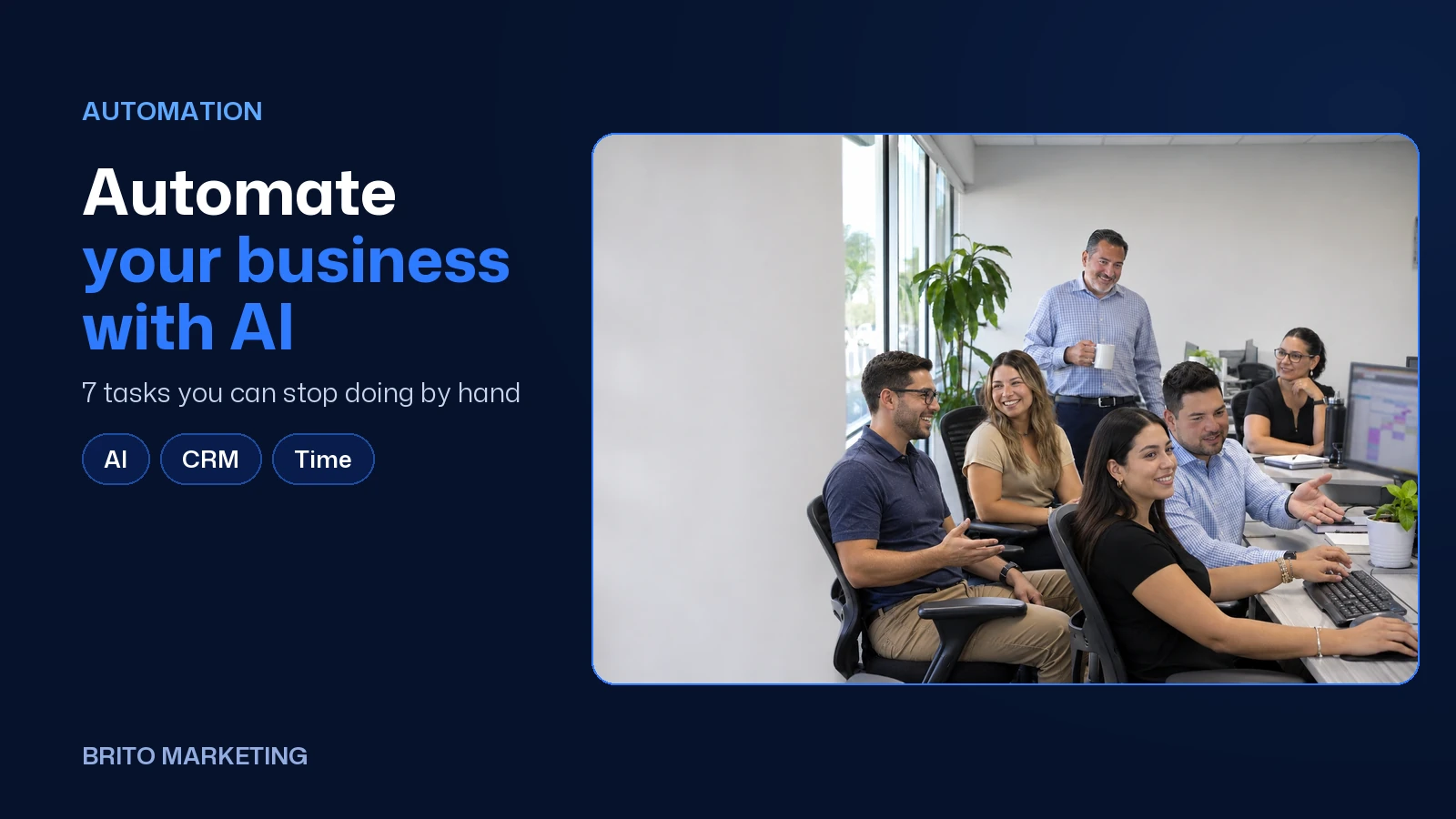
Automate Your Business With AI: 7 Tasks You Can Stop Doing by Hand
Answering the first message, booking, reminders, chasing estimates, asking for reviews, logging notes and building the Monday report. Seven tasks AI already handles well, how to automate them and what a person still needs to check.
Short answer
The tasks AI automates best in a service business are the ones that repeat the same way every day: answering the first message, booking appointments, sending reminders, following up on estimates, asking for reviews, logging notes and putting together the weekly report. Anything that takes judgment, like closing a sale or calming down an upset customer, stays with you.
Almost every owner we talk to carries the same mental to-do list: the WhatsApp message you haven't answered, the estimate you never followed up on, the review you never asked for. None of these are hard. There are just a lot of them, they repeat, and they get pushed to the end of the day. That's exactly why they're the first things worth taking off your plate. If you're still fuzzy on what AI actually does inside a CRM, start with what an AI-powered CRM is.
Those two usage numbers look like they contradict each other, but they measure different things. The Federal Reserve survey asks small employer firms whether the business or its employees use AI at all, and the most common use is writing or marketing, at 83% (Federal Reserve Banks, 2026). The Census survey asks whether the company uses AI in a business function (U.S. Census Bureau, 2026). The takeaway: plenty of people already use AI on their own, but far fewer companies have built it into how they work. That gap is where the time savings are.
1. Answering the first message
This is the task that costs the most when it's done late. Someone fills out the form on your site or DMs you on Instagram on a Sunday, and the reply shows up Tuesday, after they've already talked to two other businesses. A well-written automatic reply goes out in seconds, greets them by name, confirms what they asked about and gives them a next step: a booking link or a question to understand the job better.
What a person checks: the wording of that reply, once, and any conversation the AI flags as unclear.
2. Booking and rescheduling
The back-and-forth of “Does Tuesday work?” “Thursday's better” eats up a front desk's whole morning. With online booking tied to your calendar, customers pick a time themselves, and if they need to change it, they do it from the same link. You get the notification and your calendar updates.
3. Appointment reminders
One reminder the day before and another a few hours ahead, by text or WhatsApp, with the address and anything they need to bring. It sounds small, but it's the difference between an empty chair and a kept appointment. If the customer replies that they can't make it, the same message offers to reschedule.

4. Chasing estimates that went quiet
This is where the most sales slip away without anyone noticing. You sent the estimate, the customer said “I'll look it over,” and nobody ever reached out again. A follow-up sequence checks in after two days to answer questions, after a week with something useful (a photo of a similar job, the answer to a common question) and after two weeks to ask if they're still interested. If they reply, the conversation goes to a person.
5. Asking for the review
Everybody knows they should ask. Almost nobody does it while the job is still fresh. Automated, the request goes out the same day with a direct link to your Google profile. To write that message so it doesn't sound like a robot, see how to ask customers for reviews without making it awkward.
Ready to apply this to your business?
6. Logging notes and data
Copying the web form into the CRM, writing down what the customer said on the call, moving the card from New to Quoted. AI can summarize a conversation in three lines, fill in fields with what the customer already typed and move the lead to the next stage when they book or pay. Your team stops doing data entry and goes back to serving people.

7. Building the Monday report
How many leads came in, from where, how many booked, how many bought, how many new reviews. If it all lives in one system, those numbers show up on their own every week. Without a report, marketing runs on gut feel. With one, you know which channel to keep paying for and which to cut. To decide which numbers to watch, read what to work on in your business in 2027.
| Task | How it gets automated | What a person checks |
|---|---|---|
| First message | Reply within seconds with a booking link | The wording and anything the AI flags |
| Booking | Online booking tied to your calendar | Which time slots are open |
| Reminders | Text or WhatsApp the day before and day of | Replies from people who can't make it |
| Estimates | A sequence at day 2, 7 and 14 | The replies and the negotiation |
| Reviews | Automatic request on the day of service | Your reply to each review |
| Notes | AI summaries and auto-filled fields | That the summary is accurate |
| Report | Weekly numbers pulled from the system | The decisions |
What you shouldn't automate
- Closing a big sale or negotiating price.
- Responding to a complaint or a negative review.
- Giving a professional opinion: a diagnosis, legal advice, what a policy covers.
- Any mass message to contacts who never agreed to hear from you. Marketing texts require prior consent, and keeping a record of it is on you.
A simple rule of thumb: if the task goes the same way a hundred times out of a hundred, automate it. If every case is different, let AI do the prep work and let a person make the call.

Where to start
- This week: for five days, write down every repetitive task you or your front desk handles, and how long each one takes.
- This month: automate just one, the first reply, and compare how fast you respond now with how fast you used to.
- This quarter: add reminders and review requests, and start looking at the report every Monday.
Where BritoCRM fits in
All seven tasks on this list live in one place in BritoCRM. It captures the lead from your ad or website, reaches out within seconds by email, text or WhatsApp with AI replies, lets the customer book on their own with a calendar synced to Google or Outlook, tracks every opportunity in a pipeline with its full history and, after the visit, asks for a Google or Facebook review. If you also need someone to pick up the phone after hours, it includes AI voice agents that answer and follow up by phone, connected to the same CRM. More on the BritoCRM page.
Automating well takes a handful of decisions there's no time to think through between customers. That's why at Brito we set it up ourselves, around the way you work, in English and in Spanish, and connect it to your marketing. We've been doing this from Miami since 2006. In Miami-Dade and Broward we come to your business, and outside the area we meet by phone or video call. If you'd like to know which of these seven tasks is costing you the most customers, request a free assessment and we'll look at it together.
Frequently asked questions
Won't automation make my business feel cold?
If it's done badly, yes. If the messages sound like your business, use the customer's name and a person steps in when it matters, customers feel the opposite: that someone got back to them fast. What feels cold is waiting three days.
Which of the seven tasks should I automate first?
The first reply. It saves the most customers, it's quick to set up, and it shows you fast whether your automated messages sound right before you move on to the others.
Will AI put my receptionist out of a job?
What usually happens is that it takes the repetitive work, not the job. Your front desk stops copying data and chasing confirmations, and has time to take good care of whoever walks in or calls with a complicated situation.
Can I send automated marketing texts to my whole list?
Only to people who agreed to receive them. Marketing texts and calls fall under federal and Florida rules, so ask for consent clearly, keep a record of when each person gave it and make opting out easy.
Twenty years building brands in New York, Las Vegas and Miami, where he's based today. He leads a Miami team that shoots commercials on cinema cameras and runs proprietary AI infrastructure. He believes great marketing starts with truly understanding the customer — and that honesty, often frowned upon in this industry, is what separates partners from vendors.
View profile→Questions about your business?
The first conversation is an assessment, not a sales pitch. Let's talk.
Or explore our Growth & Strategy service

Brito Marketing: More Than an Agency, a Complete System for Your Business
Hiring Brito Marketing gets you strategy, advice, mentorship, tailored ads and every service in one place, with a team that knows your business inside out.
Fewer New Customers in Miami? How to Keep the Ones You Have With Service and Loyalty
Foot traffic is down and new customers are scarce. In a tough economy, what decides whether a customer stays isn't a $10 discount: it's how you treat them. Four fronts for 2026 and 2027, from our video podcast.