
Google Business Profile Optimization for Miami Businesses: The 2026 Playbook
A step-by-step guide to optimizing your Google Business Profile in Miami: setup, photos, posts, Q&A, and attributes that win the Local Pack.
Google Business Profile (the platform Google used to call My Business) is the single most valuable digital asset for any Miami business that lives or dies on local customers. Set it up right and it can pull in far more calls, directions, and walk-ins than a bare-bones listing. Here's how to take yours from a basic profile to one that actually wins the map.
1. Get the Setup Right From Day One
- Claim your listing if one already exists
- Verify by postcard, phone, or email
- Use your exact business name (no keyword stuffing)
- Pick one primary category, then 5 to 9 relevant secondary ones
- Confirm your address with the correct suite or unit number
- Add a service area if you deliver or work at the customer's location
2. The Info That Actually Matters
- Current hours, plus special hours for holidays
- A local phone number (skip the 800 if you have a choice)
- Your website with UTM tracking attached
- A full description with natural keywords in both Spanish and English
- The year you opened
- Service options (delivery, in-store, dine-in, and so on)
3. Photos That Turn Browsers Into Buyers
- Logo (square, high quality)
- Cover photo (1080×608 minimum)
- Exterior shots (3 to 5 from different angles)
- Interior (5 to 10 photos)
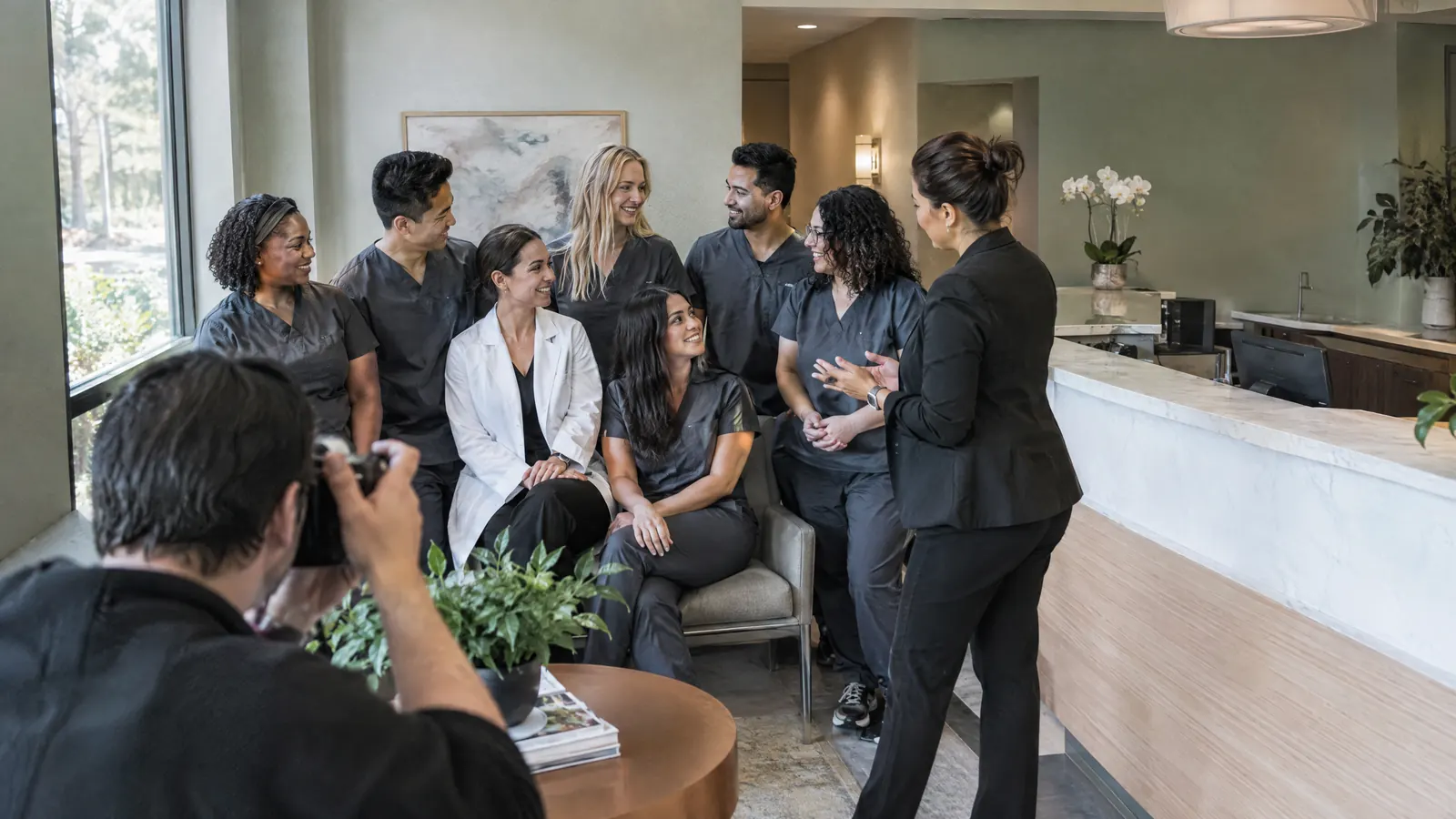
- Your team and staff (3 to 5 photos)
- Products and services (10 or more photos)
- Before-and-after shots if they fit your business
- Customer photos (with their permission)
4. Post Every Week
GBP posts show up in your knowledge panel and give your ranking a nudge. The types you can use:
- Offers and promotions
- Events
- Updates and news
- Products
Aim for at least one or two a week.
5. Answer Your Own Q&A First
Think about what people always ask, then answer it yourself before someone else does. Google lets the owner post questions and answers, so use that:
- “Is there parking?”
- “Do you speak Spanish?”
- “Do you take walk-ins?”
- “What's the price range?”
- “Is there WiFi?”
6. Stay on Top of Reviews
- Set up an automated way to ask (SMS or email)
- Reply to every single review within 24 hours
- Bring in at least 5 new ones a month
- Keep your rating above 4.5
7. Use the Attributes That Set You Apart
- Spanish-speaking staff
- Free WiFi
- Wheelchair accessible
- LGBTQ+ friendly
- Family-owned
- Veteran-owned
- Women-owned
- Payment options (cards, cash, Apple Pay, Google Pay)
Twenty years building brands: from Havana to New York, from New York to Las Vegas, and from Las Vegas to Miami, where he still is today. He leads a team across Miami and Barranquilla that shoots commercials on cinema cameras and runs proprietary AI infrastructure. He believes good Latino marketing is made from the inside — and that honesty, frowned upon by many agencies, is what separates partners from vendors.
View profile→Questions about your case?
The first conversation is a diagnosis, not a sale. Let's talk.
Or explore our AI Advertising service
How to Get Quality Google Business Profile Reviews (Miami)
A step-by-step playbook for landing quality Google reviews for your Miami business: an automated system, proven templates, and compliance.

Citation Building in Miami: The Full Directory List for Hispanic Businesses
The complete citation and directory checklist for Hispanic businesses in Miami, plus why NAP consistency makes or breaks your local SEO.