Real Photos vs. Stock Photos: Which Ones Your Customers Actually Trust
Your team, your space and your work call for real photos. Stock and AI images can illustrate an idea as long as they don’t pretend to be something they’re not. What research and Google say, and what we do on this blog.
Short answer
Customers trust real photos of your team, your space and your work more. Stock photos and AI images are fine for illustrating an idea, as long as they don’t pass themselves off as your people, your business or your results, and AI images are labeled as AI. On your Google Business Profile, use only photos you took.
Almost every service business website has the same photo: a group of smiling people in suits high-fiving in front of a window. Customers have seen it a hundred times, on the dentist’s site, the law firm’s site and the insurance agency’s site. Now there’s a new wrinkle. Anyone can generate an image with AI in seconds, so people look at photos with more suspicion than they used to. It’s worth knowing when a generic image helps you and when it costs you.
Getty’s numbers come from four surveys of more than 30,000 adults across 25 countries, conducted in 2022 and 2023. The takeaway is simple: people want authentic images, and they want to be told when an image isn’t.
What we know about how people look at photos
Nielsen Norman Group, one of the go-to names in usability research, used eye tracking to study how people look at photos on websites. Its finding: users ignore stock photos of generic people and pay attention to photos of real people who actually work at the company. In one example, a team page, people spent about 10% more time looking at the staff photos than reading their bios, even though the bios took up 316% more space (Nielsen Norman Group).
It makes sense. A stock photo doesn’t tell customers anything new. A photo of your receptionist at your front desk tells them who’ll be helping them, what the place looks like and that the business is real.
Where nothing replaces a real photo
- Your team: the About page, team intros and any photo that says “this is who’ll take care of you.”
- Your location: the storefront, the entrance, the waiting room, even the parking lot if parking is tricky in your area.
- Your work: the kitchen you remodeled, the pool you finished, the event you put together.
- Before and after: only real photos of the same case, and in healthcare, following Florida’s advertising rules for dentists or the rules for your profession.
- Testimonials: a real customer’s face, with written permission. Never a stock or AI photo next to a customer’s quote.
Your Google Business Profile deserves its own note. Google asks that the media you upload be your own and taken at the place it shows, and it says to avoid stock photos, screenshots, collages and heavily edited images (Google, Maps content policy). Its Business Profile guidance adds that photos shouldn’t have significant alterations or excessive use of filters or AI, and that they should represent reality (Google Business Profile Help). For everything else that gets you picked on the map, see your Google Business Profile in 2027.
Where stock and AI images do make sense
There are legitimate uses. A stock or AI-generated image can illustrate an idea in an article, a concept that’s hard to photograph or the background of an ad. The rule is that it can’t pretend to be something it isn’t. It shouldn’t look like your team, your office, a customer or one of your results.
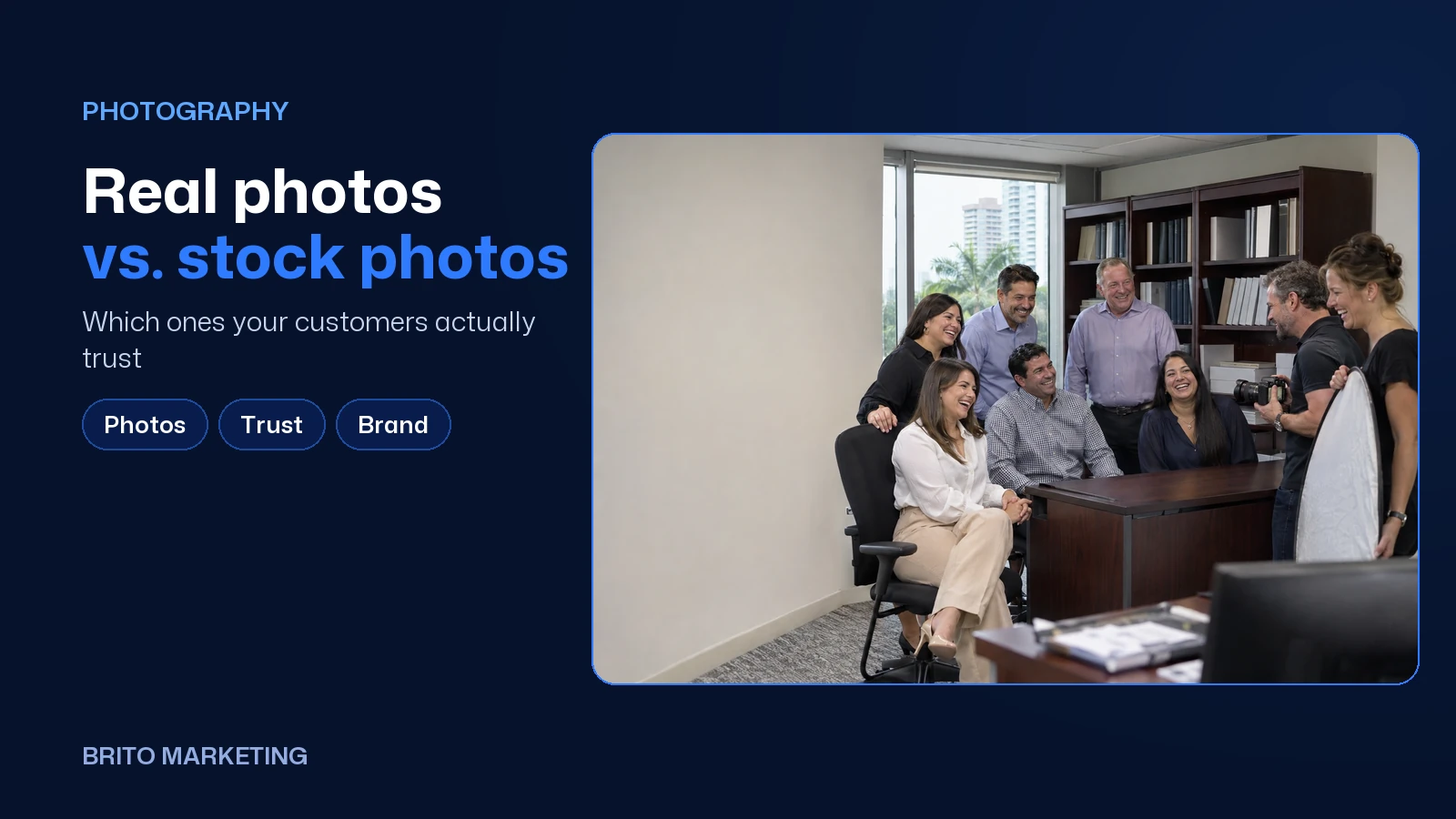
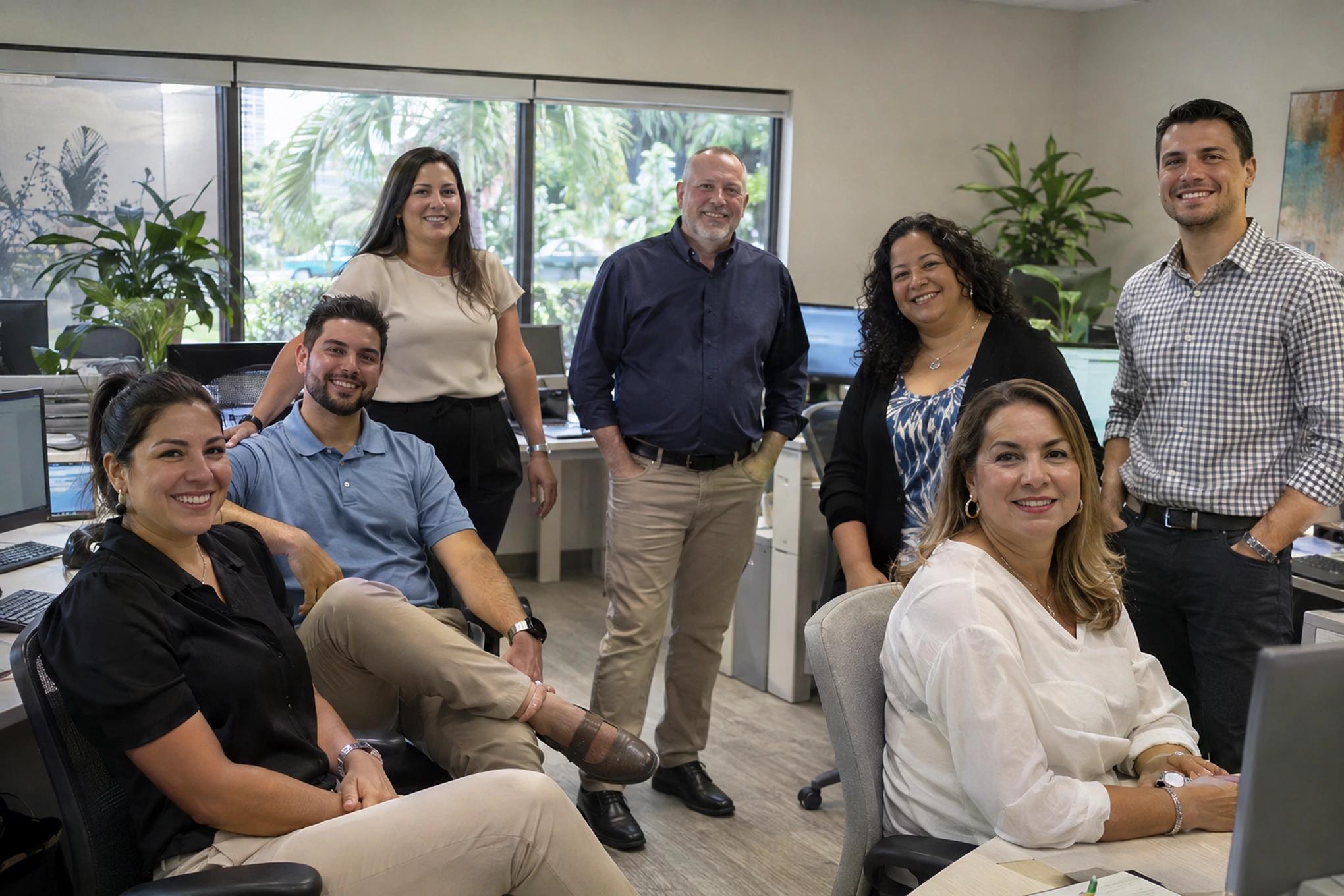
Here’s our own example. On this blog we use illustrative images generated with AI, like the ones in this article, and we say so in the caption under each one. We use them to illustrate situations, never to show a client, a team or a project as if it were real.

| Where the image goes | Real photo | Stock photo | AI image |
|---|---|---|---|
| Team or About page | Yes, always | No | No |
| Google Business Profile | Yes, taken on site | No | No |
| Portfolio, projects, before and after | Yes, of the same case | No | No |
| Testimonials | Yes, with permission | No | No |
| Service page | Real is better | Only to illustrate a concept | Only to illustrate, and labeled |
| Blog post | Ideal | Yes | Yes, with an AI label |
| Ad | Works best with your people | Careful not to promise what isn’t there | Labeled, and not posing as your team |
Ready to apply this to your business?
How to tell if your website has this problem
- Open your homepage and count how many of the people pictured actually work for you.
- Run your main photos through Google’s reverse image search and see whether the same picture shows up on another business’s site.
- Check your Google Business Profile. Is the cover photo your actual location or a generic image?
- Look at your testimonials. If any of them shows a face that isn’t the customer’s, swap it for their initials or a real photo they’ve approved.
Real photos without a big production
You don’t need a shoot every month. One well-planned morning every six months gives you enough for your website, your Google profile and your social accounts. Make a shot list before you start: each team member at their workstation, the whole team together, the entrance, the waiting area, two or three jobs in progress. Use window light, shoot every photo both horizontal and vertical, and get written permission from any customer who ends up in the frame. When you upload them, give each file a name that describes what’s in it, which also helps Google understand them.
The same people in your photos can star in your short videos, and these five Reel formats give you ideas for getting more out of photo day. If you’re redoing your website, real photos are one of the ten things that separate a site that sells from one that just sits there.
Where to start
- This week: replace the cover photo on your Google Business Profile with a real photo of your location or your team.
- This month: pull every stock photo from your website that looks like it could be your staff or your customers.
- This quarter: book a photo morning with the whole team and put the results on your website, Google profile and social accounts.
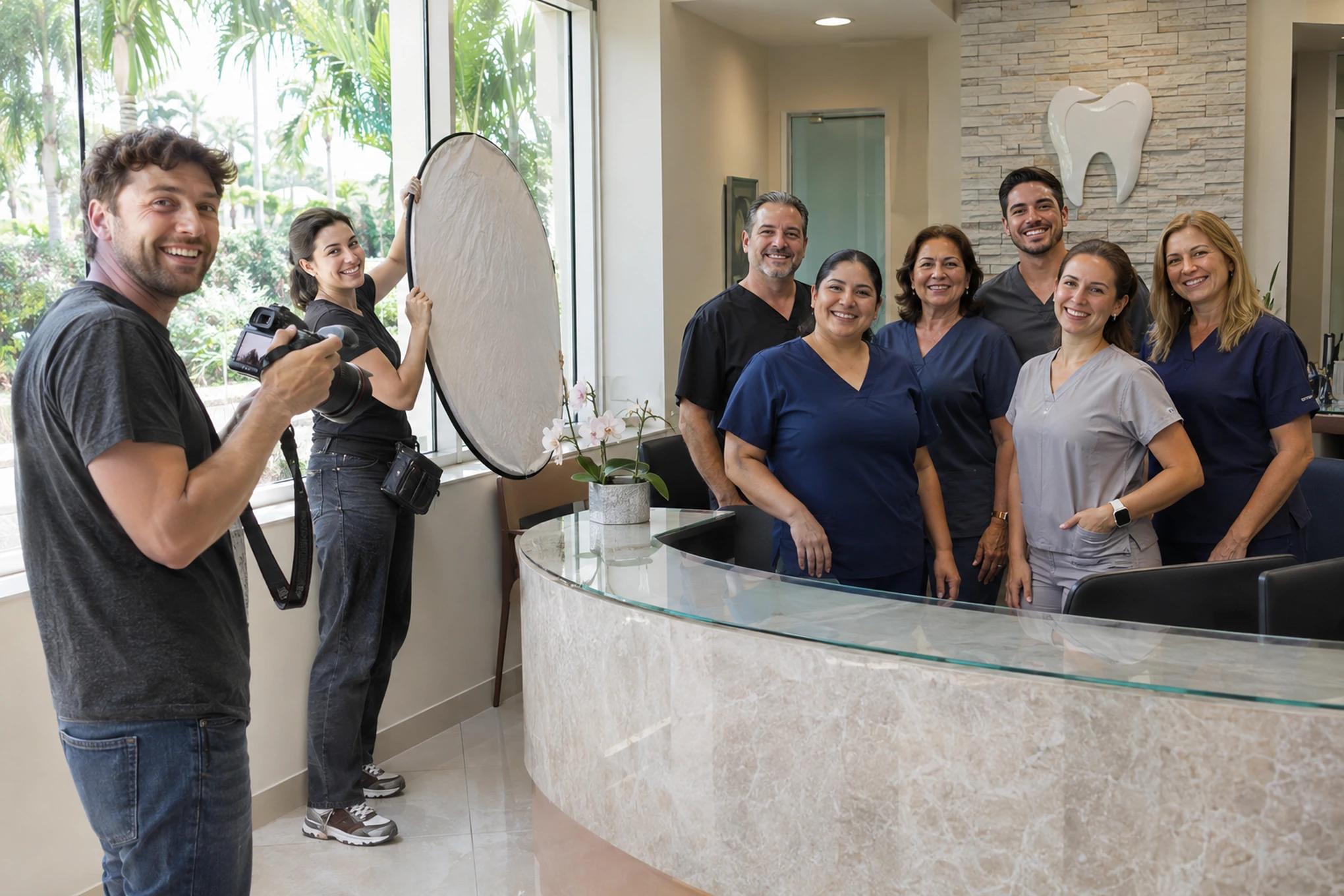
Rounding up the whole team, picking a day and planning every shot takes time most owners don’t have. At Brito we handle photography and video for your business with your own people, and we put it to work on your website, your Google profile and your social accounts, in English and Spanish. In Miami-Dade and Broward we come to you; if you’re farther away, we plan it with you over a video call. If you’d like to know which images on your site are working against you, you can request a free assessment and we’ll go over it together, no strings attached.
Frequently asked questions
Is it illegal to use stock photos on my website?
No, as long as you have the license and you’re not using it to mislead, like passing it off as a customer or your team. The bigger issue is trust: customers recognize a generic photo, and it tells them nothing about you.
Can I use AI-generated images for my business?
Yes, to illustrate ideas, and with a label saying they’re AI. Don’t use them to show your team, your location, your work or a testimonial, and don’t upload them to your Google Business Profile, which asks for real photos taken on site.
Are photos taken on a phone good enough?
Yes, as long as they’re in focus, well lit and free of heavy filters. For your Google profile and social media, a real phone photo is worth more than a flawless stock image.
How often should I update my photos?
Whenever something changes that a customer would notice when they walk in, like your team, your décor or your storefront. As a rule of thumb, a shoot every six months keeps everything current.
Twenty years building brands in New York, Las Vegas and Miami, where he's based today. He leads a Miami team that shoots commercials on cinema cameras and runs proprietary AI infrastructure. He believes great marketing starts with truly understanding the customer — and that honesty, often frowned upon in this industry, is what separates partners from vendors.
View profile→Questions about your business?
The first conversation is an assessment, not a sales pitch. Let's talk.
Or explore our Video & Media service
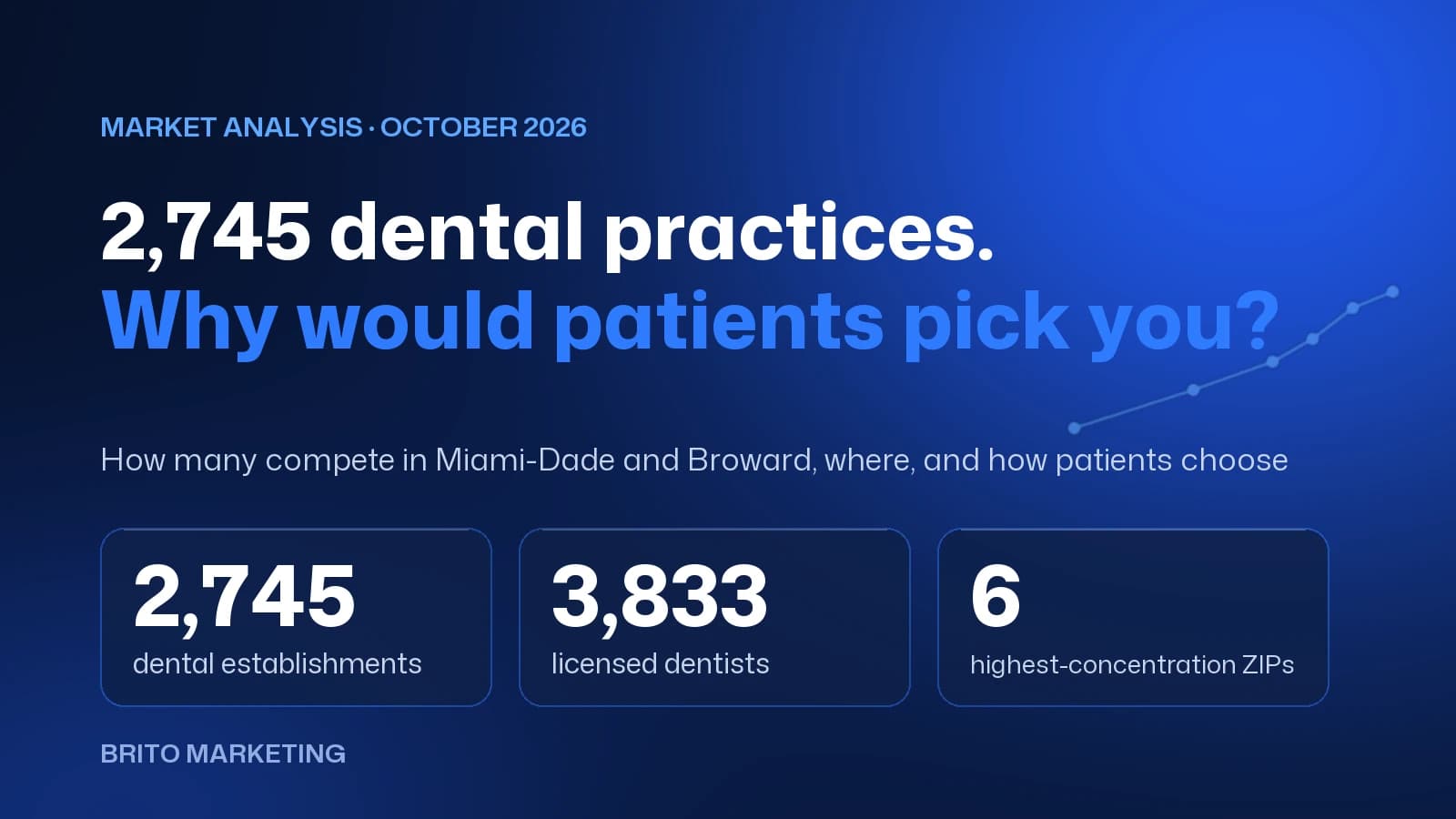
2,745 Dental Practices Compete in Miami-Dade and Broward: Why Would a Patient Choose Yours?
We measured the dental market in Miami-Dade and Broward with federal and state data: how many practices compete, which ZIP codes they cluster in and how patients choose today. There's no shortage of options, only of clear reasons to pick one.

Brito Marketing: More Than an Agency, a Complete System for Your Business
Hiring Brito Marketing gets you strategy, advice, mentorship, tailored ads and every service in one place, with a team that knows your business inside out.