Plan Your Whole 2027 Content Calendar in One Afternoon
Four hours, one spreadsheet and your customers’ questions: how to map out a full year of content for 2027, with one theme a month, one main piece and everything you cut from it for social, email and Google.

Short answer
Break it into four one-hour blocks: list the questions your customers ask, mark the 2027 dates that move your business, give each month one theme and one main piece of content, then decide what you’ll cut from that piece for social, email and your Google profile, with a name and a set day next to each.
Most businesses that post in fits and starts share the same problem: every Monday, someone stares at their phone trying to figure out what to post. Asked 52 times a year, that question is what kills consistency. A yearly calendar answers it once. You don’t need software or an agency to build one. You need one quiet afternoon this week, before January fills up.
Before you sit down: what to have on hand
- A spreadsheet with 12 rows, one per month, and five columns: key date, theme, main piece, spin-off pieces and owner.
- Your 2027 calendar with team vacations and your busy and slow seasons.
- Recent texts, emails and call notes. That’s where the real questions live.
- One more person from the team, ideally whoever deals with customers. They notice things the owner stopped seeing years ago.
Hour 1: your customers’ questions
Write down every question you get, in no particular order: how long it takes, whether you take my insurance, what happens if it rains on install day, whether anyone speaks Spanish, why one option costs more than the other. Thirty or forty is plenty. Then group them by service and by stage: before they buy, while you’re working with them and after.
That list is your raw material for the year. Every question can become a Reel, a paragraph on your site, an answer on your Google profile and an email. Answer them with real numbers and sources, and AI tools are more likely to use you too. Here’s how to write content AI cites.

Hour 2: the dates that drive your business in 2027
Only mark dates that change what your customers are looking for, not every holiday on the calendar. In South Florida a handful touch almost every business: tax season through April, Mother’s Day (Sunday, May 9, 2027), hurricane season from June 1 to November 30, back to school in August, Hispanic Heritage Month from September 15 to October 15 and Thanksgiving (Thursday, November 25).
Then add your own: policy renewals, dental benefits that expire in December, tourist season, the month your service sells best. If you’re working from an industry plan, those dates are already there. The 2027 dental marketing plan, for example, lays them out month by month.
Hour 3: one theme and one main piece a month
This is the move that saves the most time: each month gets one theme and one big piece. That can be a two- or three-minute video, a blog post or a recorded Q&A with someone on your team. Everything else gets cut from it. One longer video gives you three or four Reels, an email, a Google Business Profile post and a new section for your website.
Here’s what a filled-in year can look like. It’s a template for a service business in Miami, so swap in your own themes and keep the dates that apply to you.
| Month | Date or season | Theme | Main piece | What you cut from it |
|---|---|---|---|---|
| January | New year, new goals | How getting started works | Video: the process, step by step | 3 Reels, welcome email, “How we work” page |
| February | Valentine’s Day (14th) | Who takes care of you | Team intro video | One Reel per person, photos for your Google profile |
| March | Taxes and planning | Your top 5 pricing questions | Blog post: how your pricing works | 2 Reels, FAQ section on your site |
| April | Tax deadline | Mistakes we see all the time | Video: the most common mistake and how to avoid it | Reel, email, Google post |
| May | Mother’s Day (9th) | Customer stories | Video testimonial, with permission | 2 Reels, quote on your site, email |
| June | Hurricane season starts (1st) | Getting ready early | Short guide on your blog | Reel, Google post, WhatsApp message |
| July | Summer | Behind the scenes | A day on the job, on camera | 3 Reels, real photos for your site |
| August | Back to school | Questions families ask | Recorded Q&A | 2 Reels, email, new website section |
| September | Hispanic Heritage Month (from the 15th) | Your story and your community | Video on how the business started | One Reel in Spanish, one in English, Google post |
| October | Heritage Month ends (15th) | Myths in your industry | Blog post: 5 myths and the facts | 3 Reels, email |
| November | Thanksgiving (25th) | Thanking your customers | Thank-you video from the team | Review requests, email, Reel |
| December | Holidays and year-end | The year in numbers and photos | Year-in-review video | Reel, email, holiday hours on Google |
Hour 4: who, which day and which language
A calendar nobody owns is dead by February. Put a name next to every column: who films, who edits, who posts and who answers comments. Pick one shoot day a month, say the first Tuesday, and record the main piece and the Reels in one sitting. One morning of filming a month costs less than four improvised ones.
Decide the language of each piece, too. If your customers are a mix, film the main piece twice, once in each language, instead of slapping translated captions on it. And pick platforms based on your customers, not on what’s trending. Pew found 60% of Hispanic adults use Instagram, versus 51% of all adults, while YouTube and Facebook are still the most used across age groups (Pew Research Center, 2026).

Don’t leave out Google and email
A lot of calendars only think about social. Your Google Business Profile takes update, offer and event posts, and Google archives posts older than six months unless they have a date range (Google Business Profile Help). One post a month built from that month’s piece keeps your profile active. Same with email: one monthly send on the month’s theme is enough. Here’s what still works in email marketing.
How to tell if the calendar is working
Don’t just count likes. Once a month, check how many calls, messages and form fills came in, and ask new customers where they saw you. If a theme started conversations, run it again from a different angle next quarter. If a format got no traction for two months, change it. The calendar can bend. The monthly shoot day can’t.
Where to start
- Today: open a spreadsheet with 12 rows and write down 30 real customer questions.
- This week: mark the 2027 dates that change what people search for and give each month a theme.
- By January 10: lock in your monthly shoot day and film January’s main piece.

Filling in the spreadsheet takes an afternoon. Keeping it going for twelve months, with shoots, edits and two languages, is the hard part. At Brito we handle it as one system: content and video we shoot ourselves, tied into BritoCRM so you can see which themes brought in customers, in English and Spanish, from Miami. If you’d like to see which channels and what pace fit your business, you can build your plan in 2 minutes and look it over on your own time.
Frequently asked questions
How many times a week do I need to post?
As many as you can keep up all year. Two or three posts a week cut from one monthly piece will do more than seven a week in January and nothing by March. Consistency matters more than volume.
What if something comes up in March that isn’t on the calendar?
Post it anyway. The calendar is a baseline, not a cage. Leave one or two slots a month open for whatever comes up, like industry news or a job that turned out especially well.
Can I use ChatGPT to build the calendar?
For organizing ideas, sure. But the questions and dates have to come from your business, not from the tool. A calendar written entirely by AI ends up looking like your competitor’s.
Do I need to be on every platform?
No. Start with the two where your customers actually are, plus your Google profile and email. Two done well beats five done badly.
Twenty years building brands in New York, Las Vegas and Miami, where he's based today. He leads a Miami team that shoots commercials on cinema cameras and runs proprietary AI infrastructure. He believes great marketing starts with truly understanding the customer — and that honesty, often frowned upon in this industry, is what separates partners from vendors.
View profile→Questions about your business?
The first conversation is an assessment, not a sales pitch. Let's talk.
Or explore our AI Advertising service
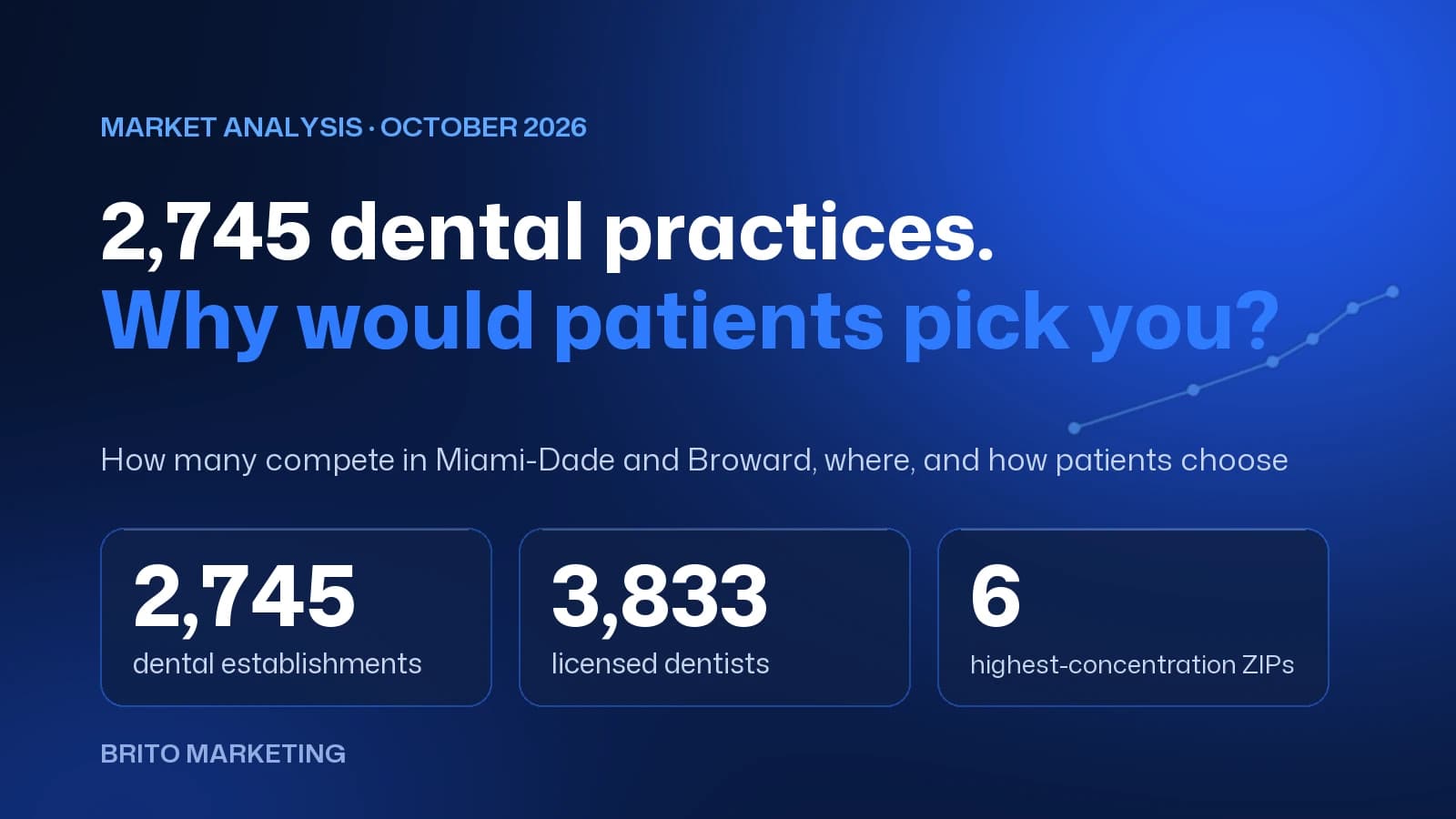
2,745 Dental Practices Compete in Miami-Dade and Broward: Why Would a Patient Choose Yours?
We measured the dental market in Miami-Dade and Broward with federal and state data: how many practices compete, which ZIP codes they cluster in and how patients choose today. There's no shortage of options, only of clear reasons to pick one.

Florida Lawyer Advertising Rules: What The Florida Bar Requires and How to Comply
What The Florida Bar's Rule 4-7 requires in a law firm's ads: name and city, language, testimonials, "expert" claims, actors, and filing with the Bar 20 days ahead. Every rule, with its number and source.