Email Marketing in 2027: What Still Works for Local Businesses
Email isn’t dead, but the rules changed: Gmail requires authentication and one-click unsubscribe, open rates can’t be trusted and bought lists sink you. The five emails that actually earn their keep for a local business.
Short answer
Email still works for a local business in 2027 when it goes to people who opted in, from an authenticated domain, with a one-click unsubscribe. Five emails do the heavy lifting: the confirmation and reminder, the day-after note with a review link, the seasonal tip, the win-back message and a short monthly newsletter.
Every so often someone declares email dead, and every morning your customers open theirs to check an appointment confirmation, an invoice and a pharmacy receipt. What did die is the old way of doing it: the purchased list, the 15-section newsletter once a quarter and the “noreply@” address nobody can answer. Here’s what changed and what’s worth sending in 2027.
The inbox rules changed
Since February 1, 2024, Google has required anyone sending more than 5,000 messages a day to Gmail accounts to authenticate their domain with SPF, DKIM and DMARC, to support one-click unsubscribe on marketing emails and to keep their spam rate in Postmaster Tools below 0.30%. Google recommends staying under 0.10% (Google Workspace Admin Help).
A local business rarely sends 5,000 emails a day, but that doesn’t mean you’re off the hook. The same habits decide whether your email lands in the primary inbox, in promotions or in spam. If your domain isn’t authenticated and people hit “spam” because they don’t remember signing up, the inbox will punish you even if you send very little.
CAN-SPAM in plain English
The FTC’s guide for businesses boils the law down to a handful of points any business can follow without calling a lawyer (FTC):
- Your sender info has to be accurate: the name and address show who’s actually sending.
- Your subject line has to match what’s inside, with no tricks to get the open.
- It has to be clear when the email is an ad.
- Every email needs your valid physical postal address.
- It has to explain clearly how to unsubscribe, and you have to honor that within 10 business days, without charging a fee or asking for more information.
If you’re in healthcare, add HIPAA to the list: no diagnoses or treatment details in a marketing email. And if you send text messages, those come with their own separate set of rules.

The five emails that still pull their weight
1. The confirmation and reminder
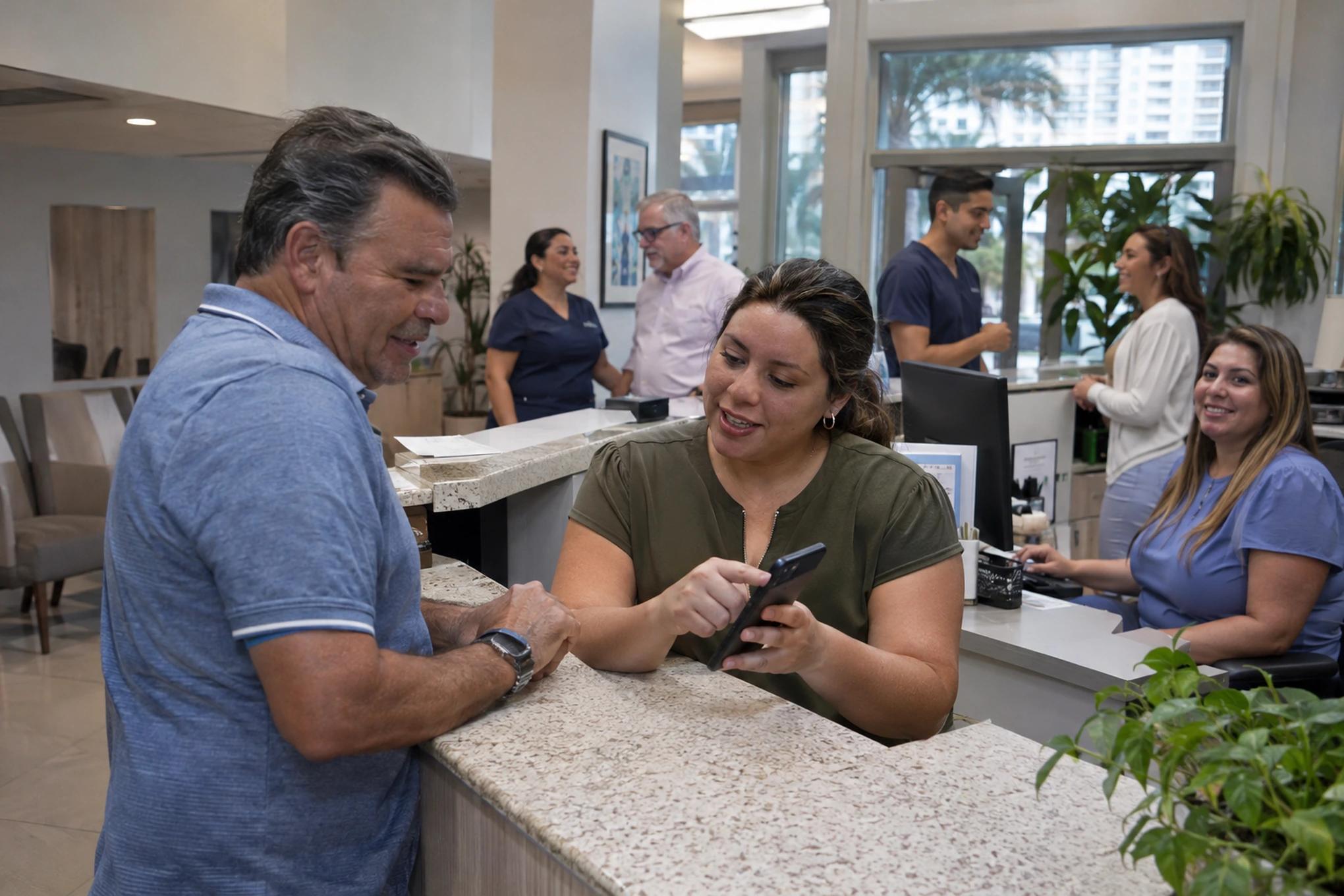
These get opened more than anything else because the customer is expecting them. Include the date, time, address, what to bring and how to reschedule, in the language the customer picked. A confirm button saves you phone calls and gives you a heads-up about no-shows.
2. The day-after note, with a review link
A short email, signed by an actual person instead of “the team,” asking how it went and linking straight to your review page. The full script is in how to ask customers for reviews without making it awkward.
3. The seasonal tip
Something useful at the right moment: an A/C checkup before summer, which documents to keep handy before hurricane season, how to use dental benefits before the year ends. It doesn’t sell directly, but it keeps your name top of mind.
4. The win-back
The customer who hasn’t been back in a year, the estimate nobody followed up on, the person who asked a question and never booked. A plain email that reads like your front desk wrote it brings back more than you’d think. To make this run on its own, see automated lead follow-up.
5. A short monthly newsletter
One idea, one real photo of your team or your work and one button. If it can’t be read on a phone in under a minute, it’s too long. Twelve short newsletters a year beat four nobody finishes.
| When it goes out | What’s in it | What to track | |
|---|---|---|---|
| Confirmation and reminder | At booking and 1 to 2 days before | Date, time, address, what to bring, a confirm button | Confirmed appointments and no-shows |
| Day after | 24 hours after the service | A personal question and a review link | New reviews |
| Seasonal tip | 4 to 6 weeks before the season | One useful tip and a booking button | Clicks and appointments |
| Win-back | After 6 to 12 months of silence | A short note that invites a reply | Replies and recovered appointments |
| Newsletter | Once a month | One idea, one real photo, one button | Clicks, unsubscribes and spam complaints |
Ready to apply this to your business?
What stopped working
- Purchased lists: nobody remembers you, they mark you as spam and the inbox starts hiding your good emails too.
- Tracking only opens: Mailchimp warns that Apple Mail Privacy Protection can throw off the accuracy of that number (Mailchimp).
- The “noreply@” address: if a customer writes back, someone should read it. One reply is worth more than ten clicks.
- The same email for everyone: a new customer, a customer from five years ago and someone who never bought don’t need the same message.
And if you have customers in English and in Spanish, don’t stack both languages in the same email. Ask for their language once, save it and write each version for its reader. We go deeper on that in bilingual marketing in 2027.
What to track instead of opens
Look at what the email made happen: clicks, replies, booked appointments and reviews. Then keep an eye on the two numbers that warn you something’s off, unsubscribes and spam complaints. If a campaign drives a lot of unsubscribes, the problem is almost always who you sent it to, not the design.
Skip the industry averages you find online and compare yourself with yourself. Write down last month’s clicks, replies and booked appointments, and check whether this month moved up or down. Then change one thing at a time, like the subject line, the send day or who gets it, so you know what made the difference. After six months, you’ll know more about your own list than any benchmark can tell you.

Where to start
- Ask whoever handles your website or email whether your domain has SPF, DKIM and DMARC set up. If they don’t know what those are, you’ve found your first task.
- Clean your list: remove contacts who never opted in and anyone who hasn’t opened or clicked in over a year.
- Write your day-after email with your review link this week, and set it to send automatically.
Setting up all five emails, keeping the list clean and tracking what actually matters is weekly work. At Brito we run it as one connected system: marketing, video we shoot ourselves, BritoCRM handling follow-up, reminders and automated reviews, and AI, all pointed at sales, in English and in Spanish, from Miami since 2006. If you want to see what’s worth setting up first, you can build your plan in 2 minutes, no strings attached.
Frequently asked questions
Can I buy an email list to get started faster?
It’s not worth it. Those people never gave you permission, they’ll mark you as spam, and that makes inboxes hide the good emails you send to your real customers too.
How often should I email my customers?
One newsletter a month is a good pace for most local businesses, plus the automatic emails for appointments, reviews and win-backs. If unsubscribes climb, send less often or check who you’re sending to.
Do Gmail’s rules apply to me if I send only a few emails?
The strict requirements are for senders of more than 5,000 a day to Gmail, but authenticating your domain and offering one-click unsubscribe helps you reach the inbox even at low volume.
Should English and Spanish go in the same email?
Better not. Ask for the preferred language once, save it and send each customer their own version, written for them. An email with both languages stacked reads long and confusing on a phone.
Twenty years building brands in New York, Las Vegas and Miami, where he's based today. He leads a Miami team that shoots commercials on cinema cameras and runs proprietary AI infrastructure. He believes great marketing starts with truly understanding the customer — and that honesty, often frowned upon in this industry, is what separates partners from vendors.
View profile→Questions about your business?
The first conversation is an assessment, not a sales pitch. Let's talk.
Or explore our AI Advertising service
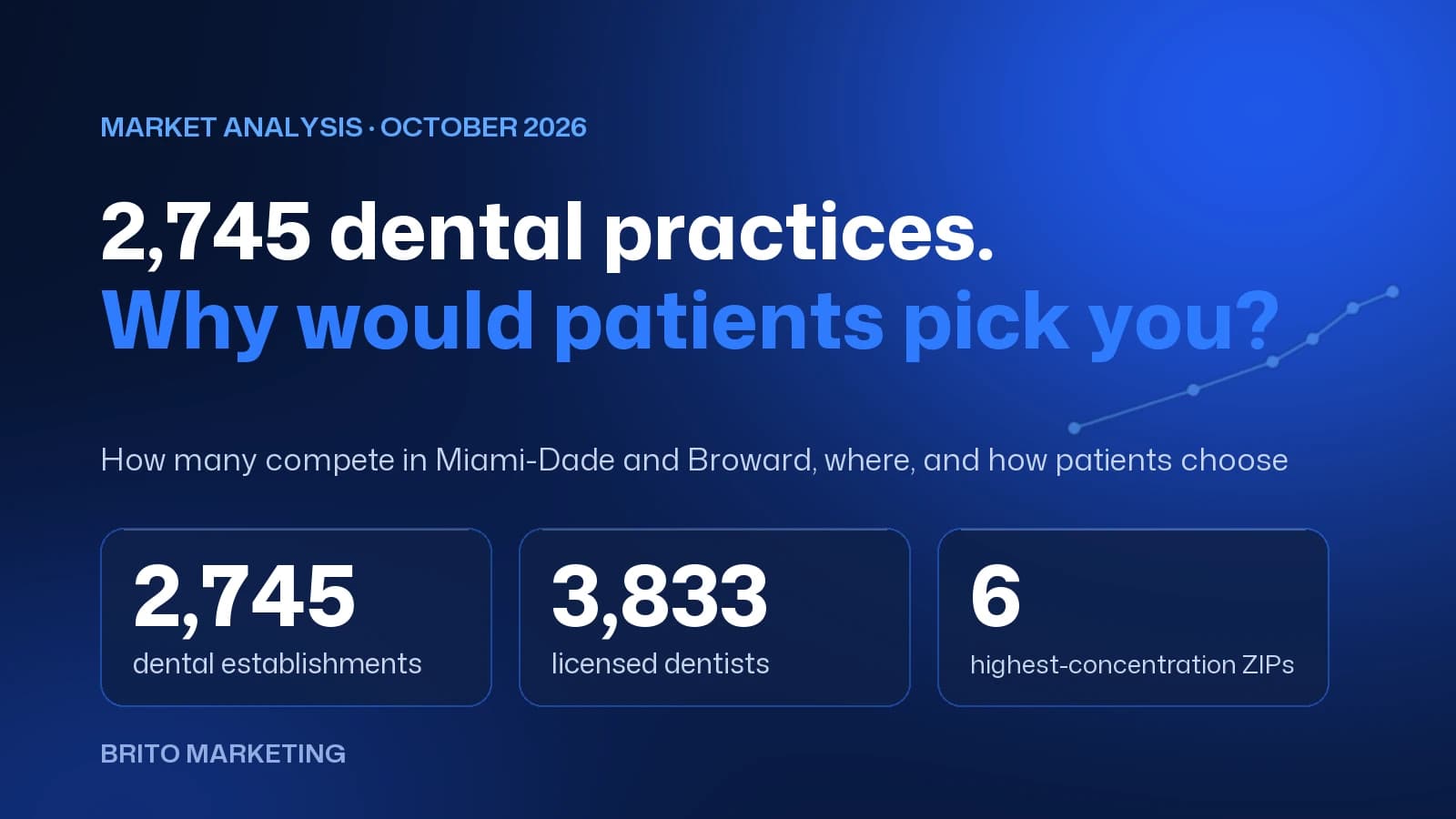
2,745 Dental Practices Compete in Miami-Dade and Broward: Why Would a Patient Choose Yours?
We measured the dental market in Miami-Dade and Broward with federal and state data: how many practices compete, which ZIP codes they cluster in and how patients choose today. There's no shortage of options, only of clear reasons to pick one.
Florida Lawyer Advertising Rules: What The Florida Bar Requires and How to Comply
What The Florida Bar's Rule 4-7 requires in a law firm's ads: name and city, language, testimonials, "expert" claims, actors, and filing with the Bar 20 days ahead. Every rule, with its number and source.